Platform

Pricing

Showcase

Resources

Support

THENTY ACADEMY

THENTY ACADEMY

Learn how to build your member-only sites in Framer.

Filters

RESET

Topic

Plugin Basics
Application Setup
Access Control
Members
Components
Integrations
Build Guides

Level

Beginner
Intermediate
Advanced

Filters

lessons

lessons
0:51

Beginner

·

Free

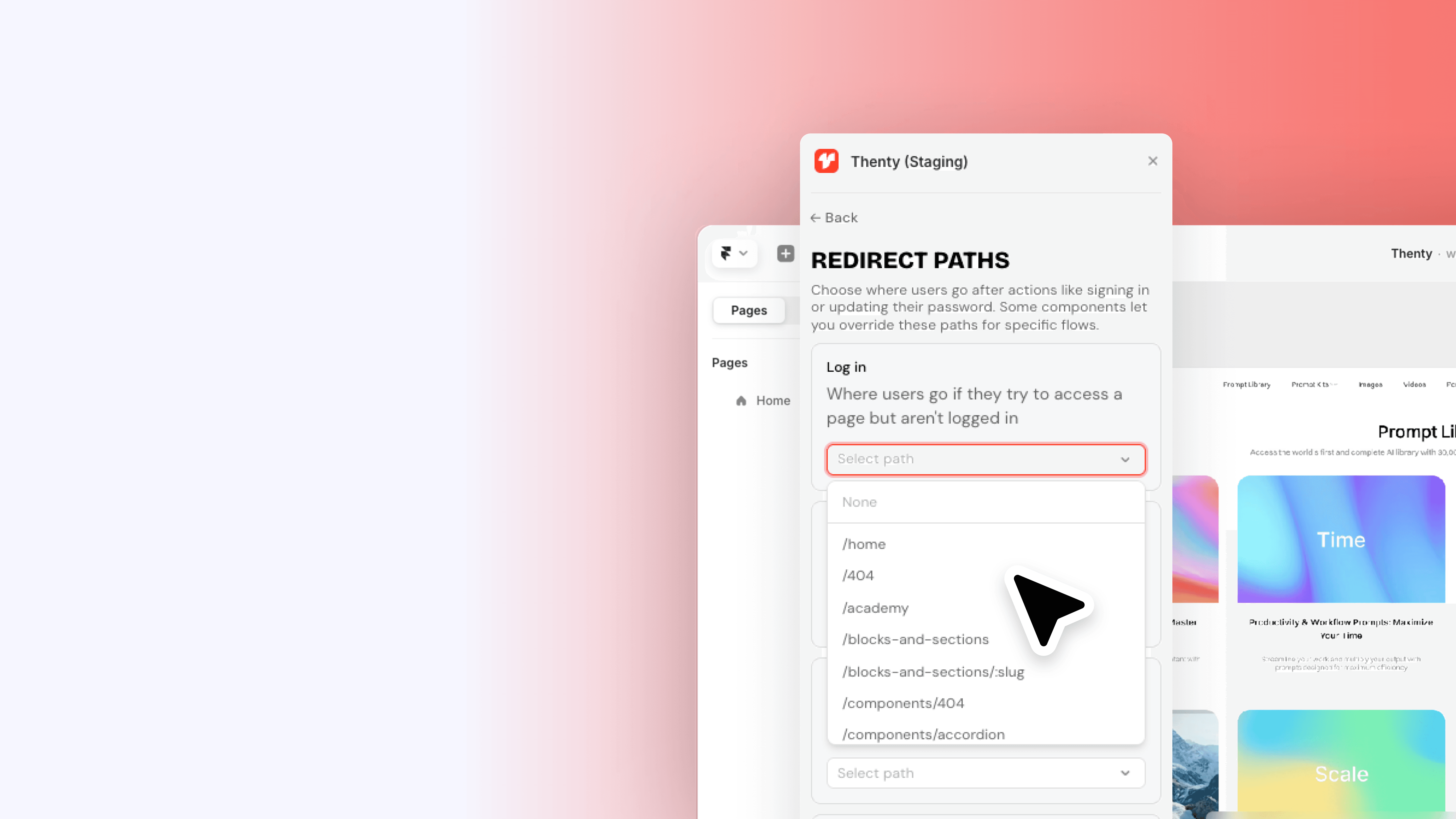
Redirect pages

Set up redirect pages in Thenty so your users always land in the right place - whether they're logging in, signing up, or hitting a page they don't have access to. Covers all redirect states including logged in, access denied, and post-signup, and how to assign a page or link to each one.

Advanced

·

Free

Build: Membership site

End to end walkthrough: build a paid membership site in Framer with Thenty.

1:34

Beginner

·

Free

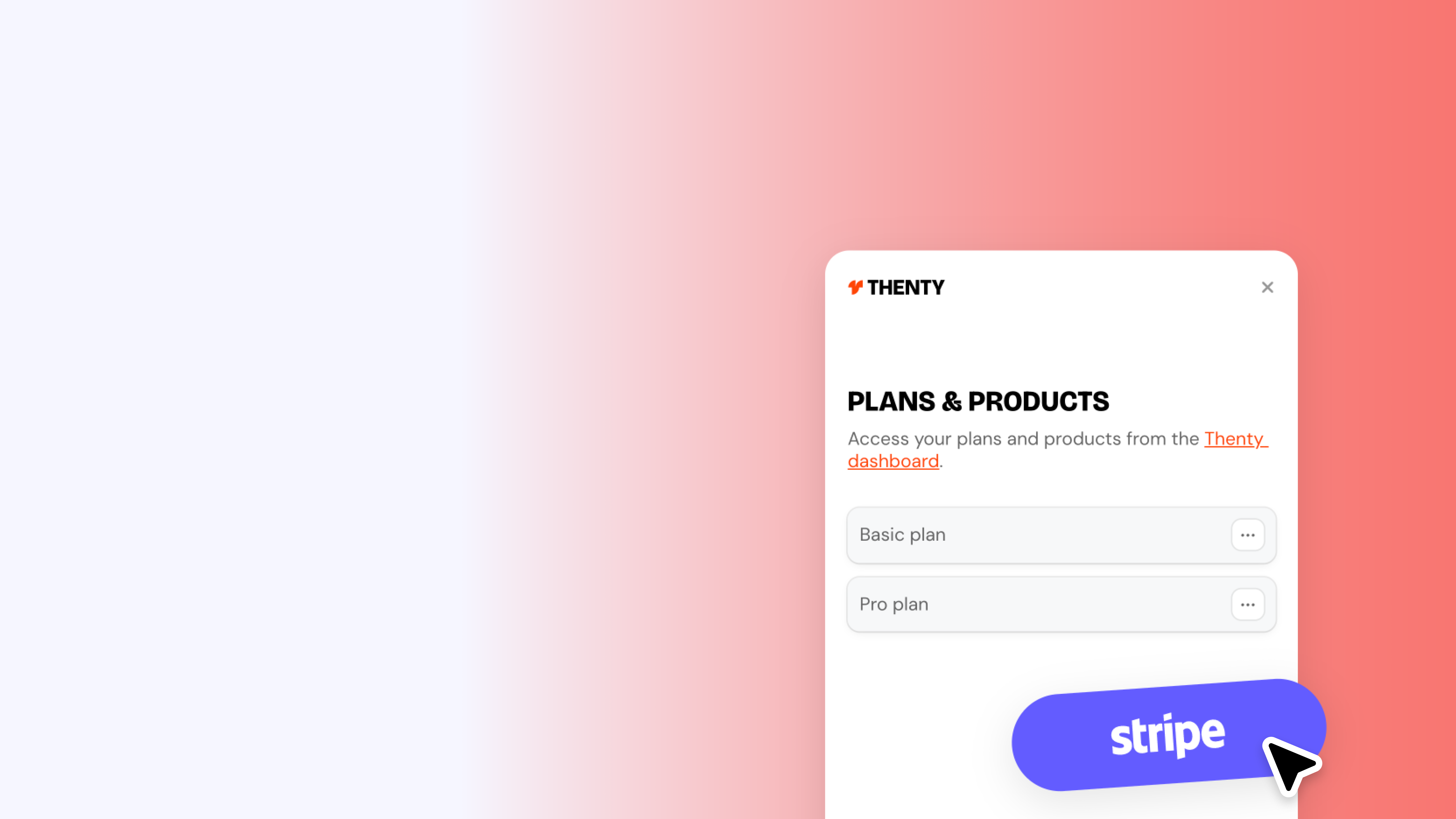
Products and plans

Set up Stripe products inside Thenty to start selling memberships and digital products on your Framer site. Covers recurring subscriptions, one-time purchases, free products, post-purchase redirect paths, and syncing with Stripe. Includes the setup order that trips most people up - Thenty first, Stripe second.

1:27

Intermediate

·

Free

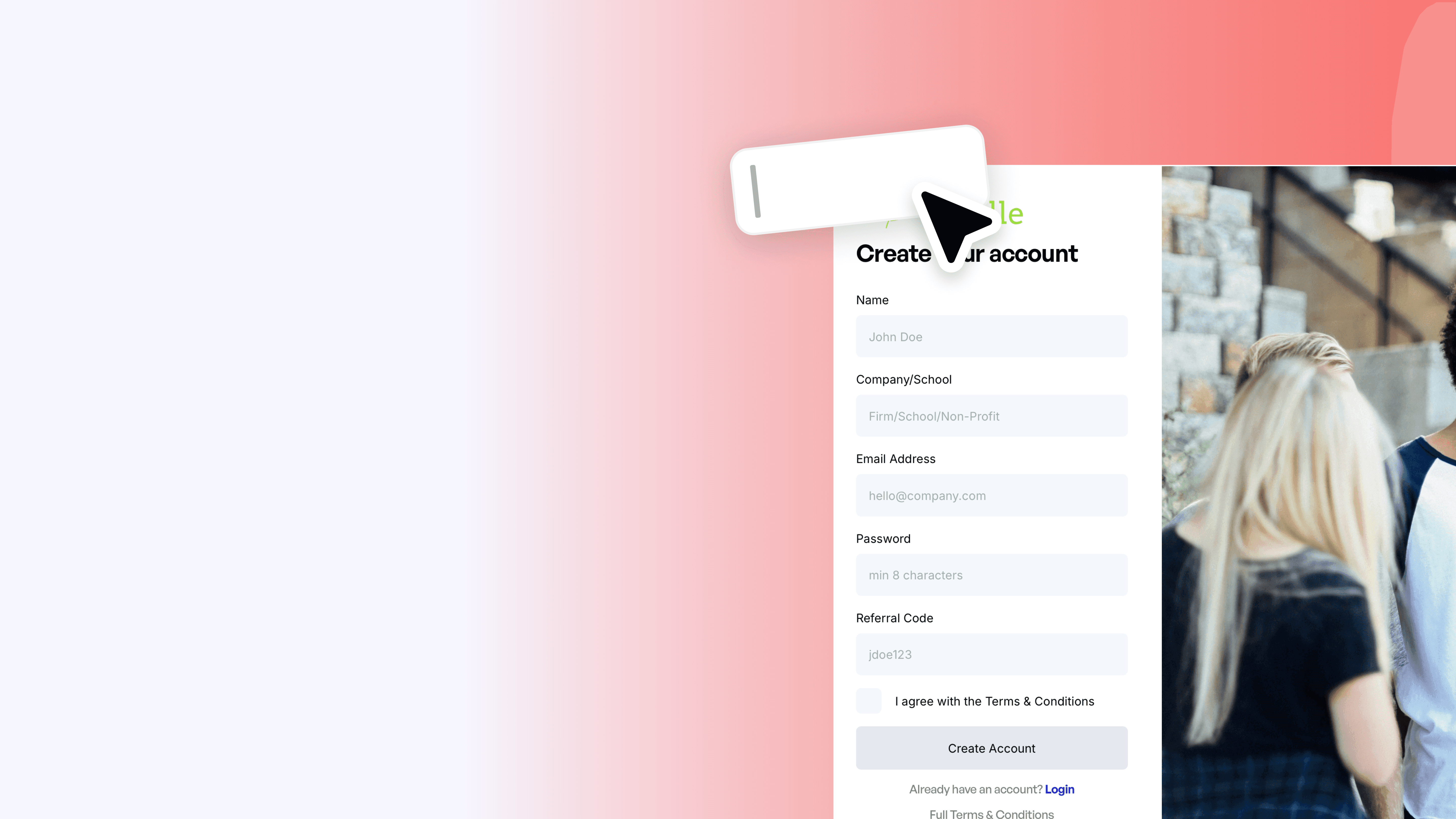
Custom user attributes

Add custom fields to your Thenty sign-up form to collect exactly the data you need - location, company, role, or anything else. Covers creating user data fields in Thenty settings, adding a matching input to your form with the correct naming format (custom.fieldname), and testing it live on publish.

Beginner

·

Free

Set up your Thenty application

Create your Thenty application and connect it to your Framer site. The first step before anything else.

Intermediate

·

Free

Rewardful

Run an affiliate program with Rewardful. Pay people to bring you members.

1:59

Intermediate

·

Free

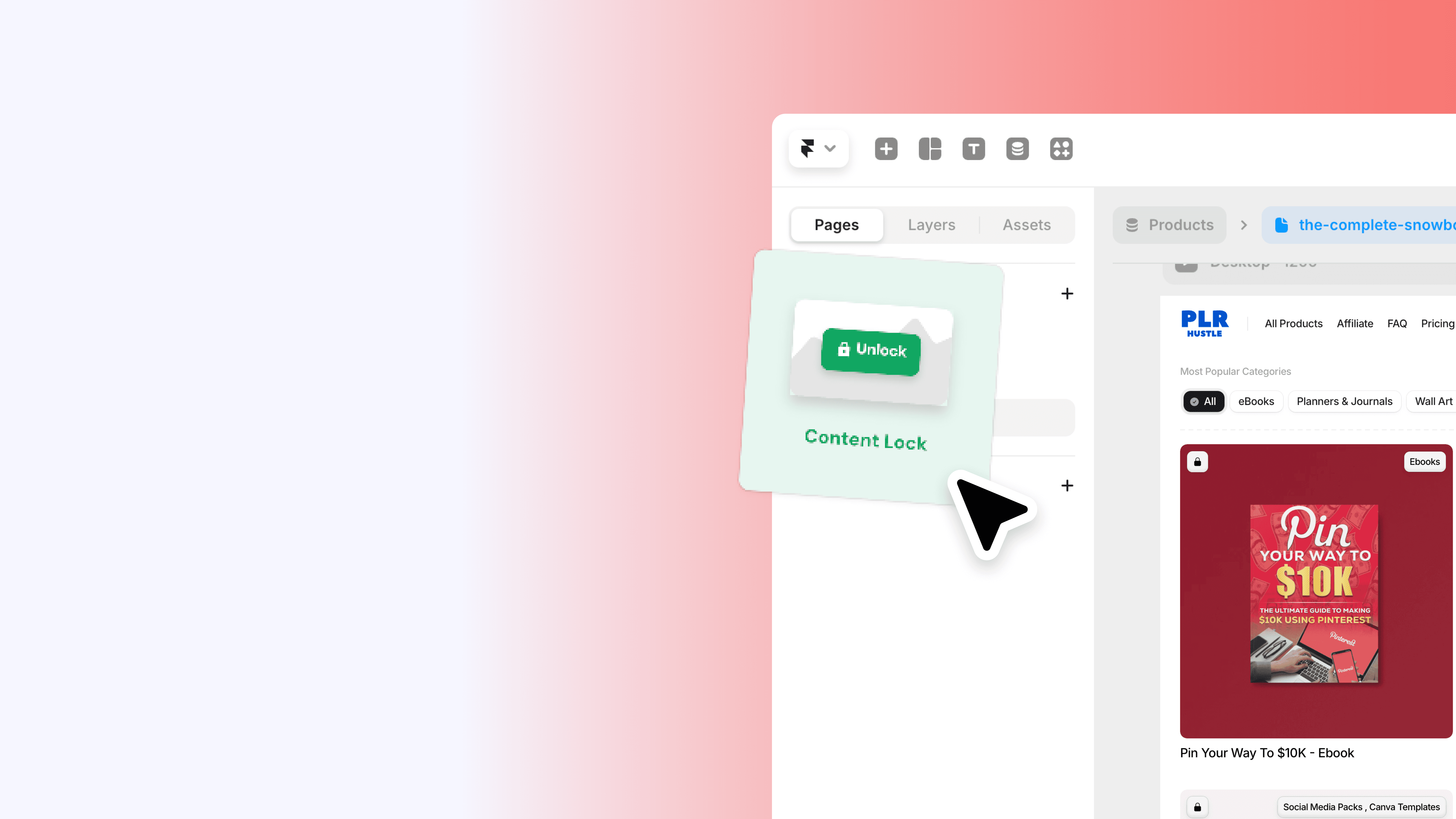
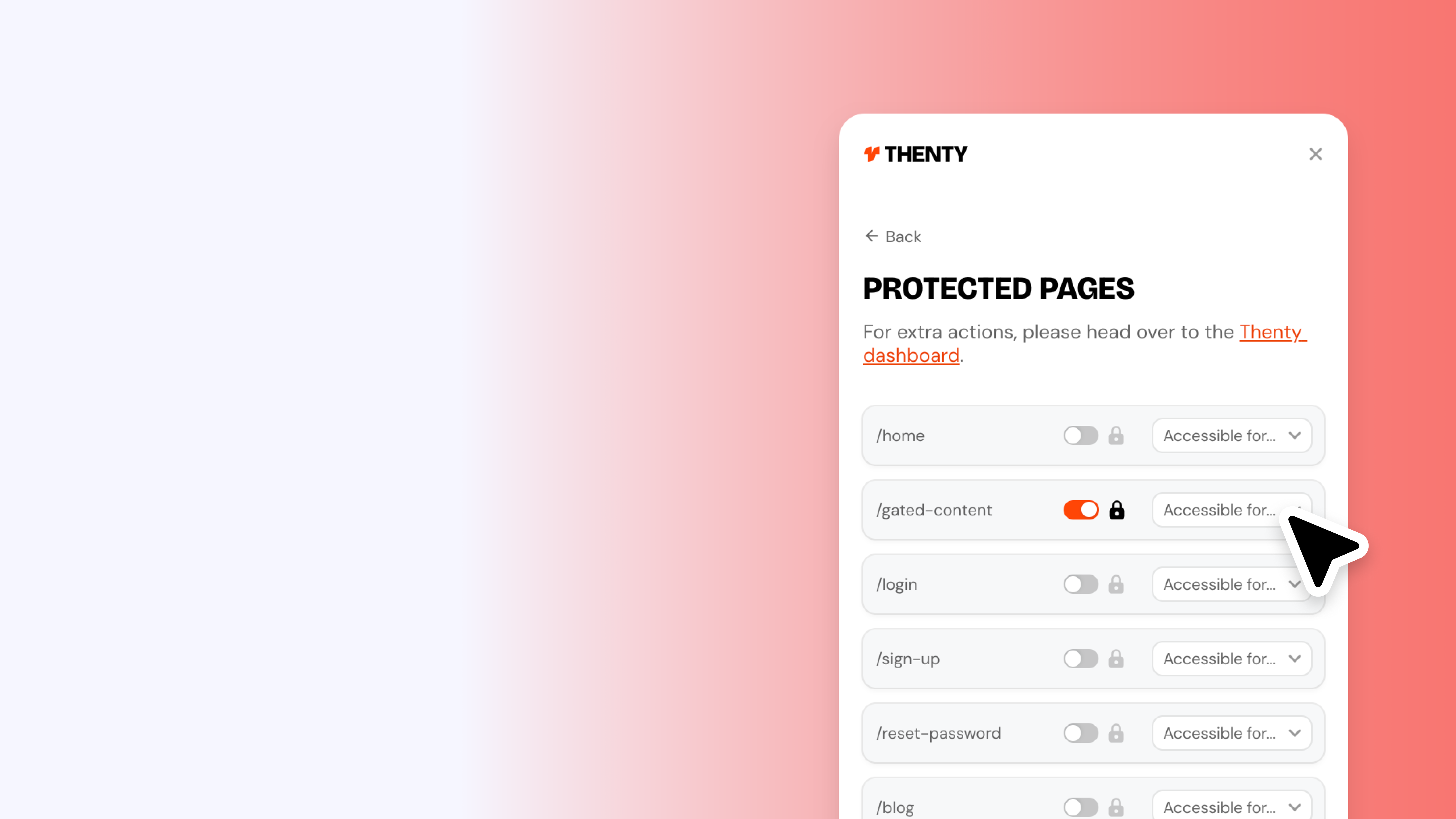
Show and hide with the layer switch

Lock content behind a purchase or membership tier on your Framer site using the Thenty Content Lock component. Learn how to build locked and unlocked states, connect a product ID to control access, add multiple product requirements, and use pre-built blocks like the gated content modal to build faster.

2:17

Beginner

·

Free

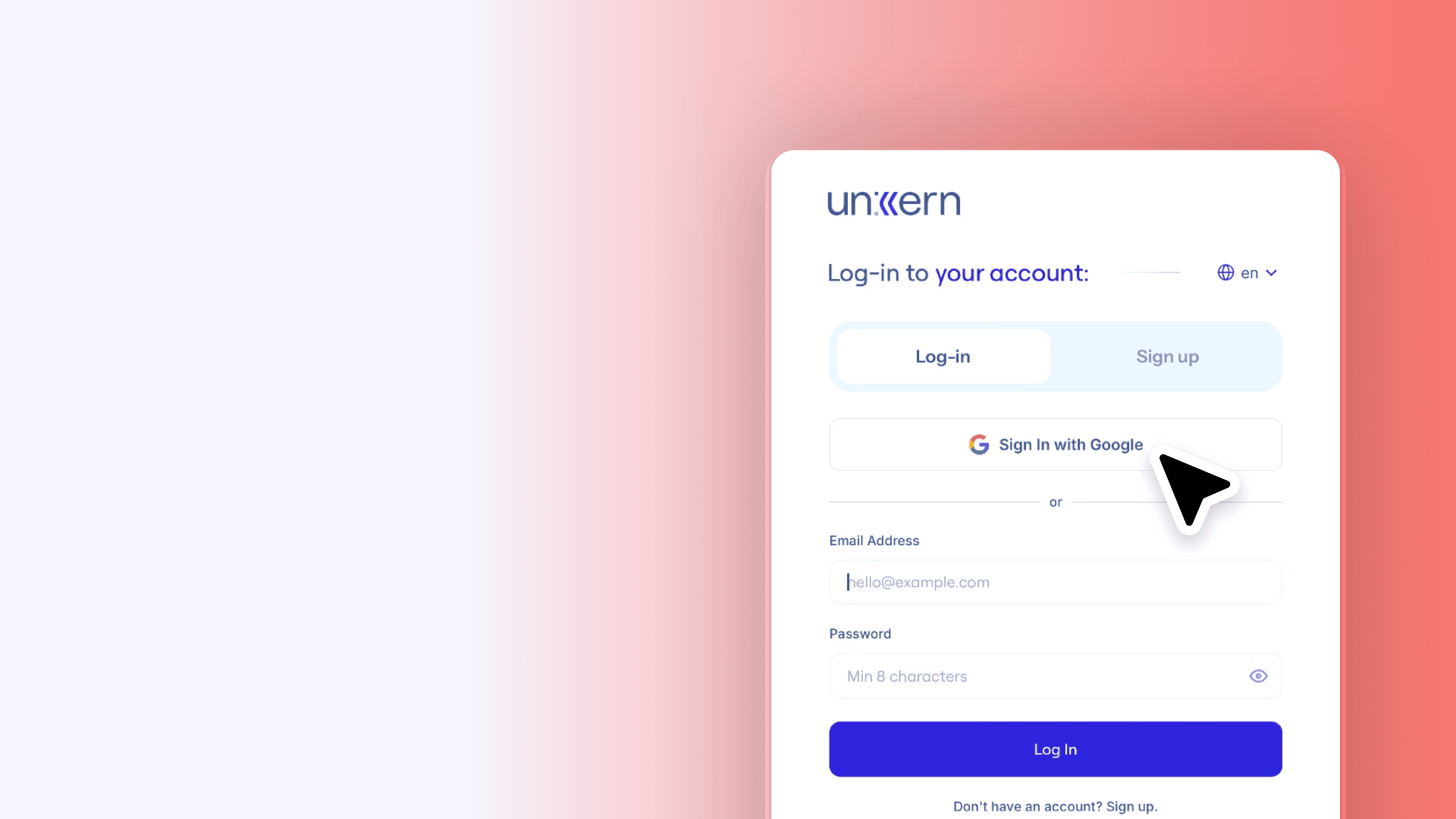
Google SSO

Let your users sign in with Google on your Framer site. Full setup walkthrough including creating OAuth credentials in Google Cloud Console, configuring your authorised redirect URI, and connecting your client ID and secret to Thenty. Allow up to 15 minutes after setup for the new application to activate.

Intermediate

·

Free

PayPal

Accept PayPal alongside Stripe so members can pay the way they want.

0:56

Beginner

·

Free

A guide to Thenty

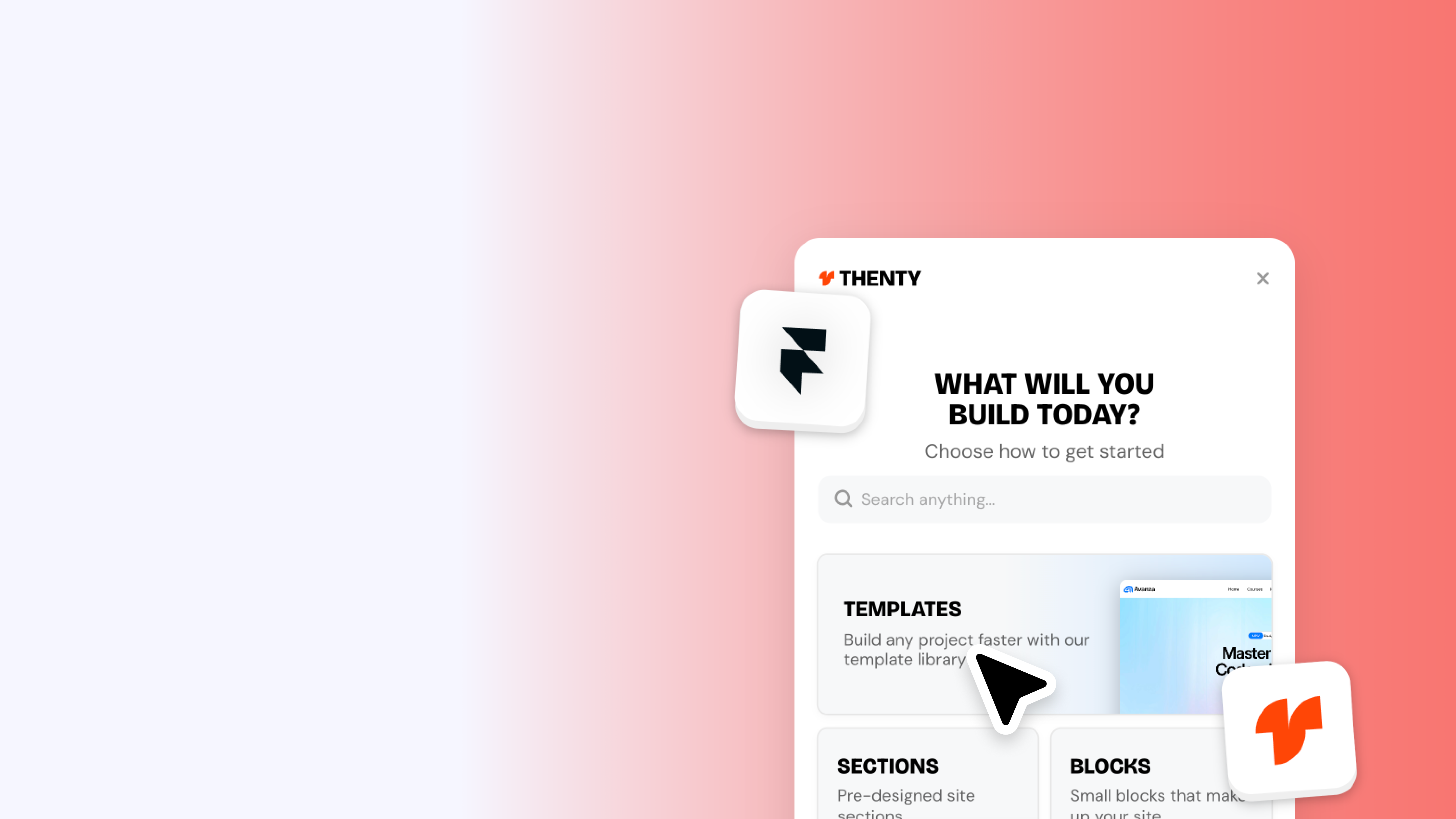
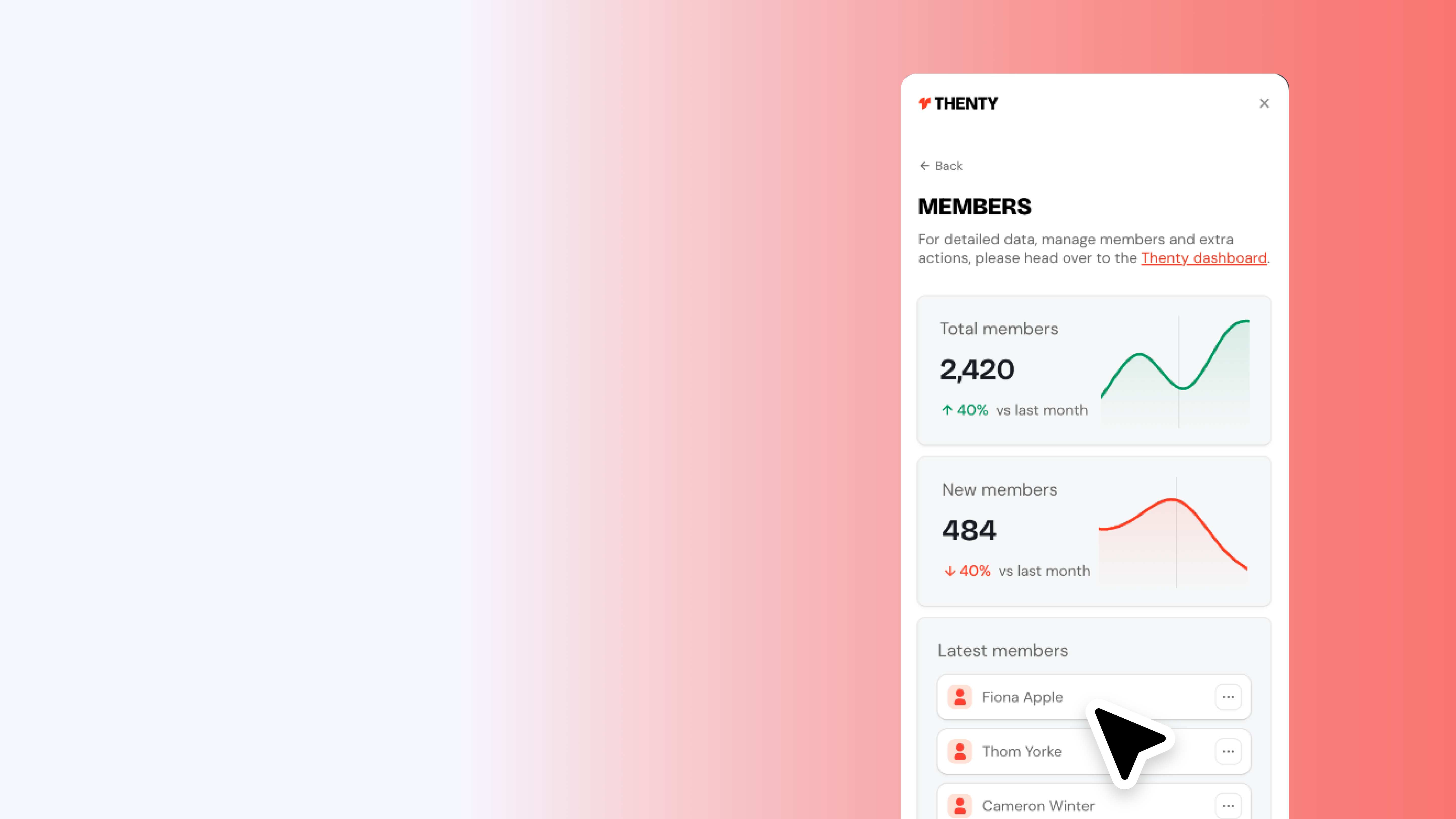
New to Thenty? This is a full tour of the updated plugin and everything available to help you build a Framer membership site faster. Covers templates, sections, blocks, authentication forms, user actions, and the built-in setup tutorial - plus how to view your members at a glance without leaving the plugin.

0:51

Beginner

·

Free

Redirect pages

Set up redirect pages in Thenty so your users always land in the right place - whether they're logging in, signing up, or hitting a page they don't have access to. Covers all redirect states including logged in, access denied, and post-signup, and how to assign a page or link to each one.

Advanced

·

Free

Build: Membership site

End to end walkthrough: build a paid membership site in Framer with Thenty.

1:34

Beginner

·

Free

Products and plans

Set up Stripe products inside Thenty to start selling memberships and digital products on your Framer site. Covers recurring subscriptions, one-time purchases, free products, post-purchase redirect paths, and syncing with Stripe. Includes the setup order that trips most people up - Thenty first, Stripe second.

1:27

Intermediate

·

Free

Custom user attributes

Add custom fields to your Thenty sign-up form to collect exactly the data you need - location, company, role, or anything else. Covers creating user data fields in Thenty settings, adding a matching input to your form with the correct naming format (custom.fieldname), and testing it live on publish.

Beginner

·

Free

Set up your Thenty application

Create your Thenty application and connect it to your Framer site. The first step before anything else.

Intermediate

·

Free

Rewardful

Run an affiliate program with Rewardful. Pay people to bring you members.

1:59

Intermediate

·

Free

Show and hide with the layer switch

Lock content behind a purchase or membership tier on your Framer site using the Thenty Content Lock component. Learn how to build locked and unlocked states, connect a product ID to control access, add multiple product requirements, and use pre-built blocks like the gated content modal to build faster.

2:17

Beginner

·

Free

Google SSO

Let your users sign in with Google on your Framer site. Full setup walkthrough including creating OAuth credentials in Google Cloud Console, configuring your authorised redirect URI, and connecting your client ID and secret to Thenty. Allow up to 15 minutes after setup for the new application to activate.

Intermediate

·

Free

PayPal

Accept PayPal alongside Stripe so members can pay the way they want.

0:56

Beginner

·

Free

A guide to Thenty

New to Thenty? This is a full tour of the updated plugin and everything available to help you build a Framer membership site faster. Covers templates, sections, blocks, authentication forms, user actions, and the built-in setup tutorial - plus how to view your members at a glance without leaving the plugin.

An authentication plugin for Framer,

by Ryan Hayward & Insert Frame.

© 2026 Thenty Pty LTD

Proudly built with Framer

More Insert Frame products

An authentication plugin for Framer,

by Ryan Hayward & Insert Frame.

© 2026 Thenty Pty LTD

Proudly built with Framer

More Insert Frame products

An authentication plugin for Framer,

by Ryan Hayward & Insert Frame.

© 2026 Thenty Pty LTD

Proudly built with Framer

More Insert Frame products